TODAY:
3d printed fastener check – let’s see how they came together.
Now we put your measurement skills to work with:
TODAY:
3d printed fastener check – let’s see how they came together.
Now we put your measurement skills to work with:
Good morning – here’s today’s schedule:

2. Marble Mazes- the printing continues. I need the following to be modified and re-submitted for printing. Click here for re-submitting instructions.
Patrick – remove the marble from your design and re-submit.
Maya – remove the marble from your design and re-submit.
If I haven’t printed your design let’s take a look together.
3. Today’s Arduino work is to use an Ultrasonic Sensor in Tinkercad.
Click here for Arduino Ultrasonic Sensor Part 1
when you are finished, please move on to Ultrasonic Sensor Part 2
Finish up your Collaborative 3d Printed Action Figure
Next: 3d printed Fastener Test
which is a preparation for the paired 3d Printed Bridge Competition.

We have standardized testing Tuesday and Wednesday of this week. Here’s the schedule:
Period 4:
Finish your Collaborative Action Figures
What’s coming up next? Prepping for 3d printed bridges.
Period 5:
Finish up Marble Design or Marble Maze revisions
Finish up Arduino Servo & LED
This is how the robot revolution begins – with uncontrollable dancing.
Looks like an Agibot X2.
Thanks for your patience on Wednesday with the assignment.
I made some changes from Wednesday:
-changed the due date to today so it’s not late for anyone
-posted a link to my tinkecad version of this circuit so you can see the code
What about Marble Mazes?
Thanks to the Falcon Foundation, we have a SECOND 3d printer. It’s cranking away in the back room. Take a look!
Today’s goals:
1. finish up the Tinkercad version of your Servo LED Circuit
2. build a working, real life version of your Servo LED Circuit
3. test out your Marble Maze track if I have completed printing your file.
Pocket Mazes – I’ve printed almost all of them – let’s assemble!
Next up – Collaborative Action Figure
All –
1. Scroll to the bottom of today’s agenda to see the revisions needed for your Marble Track sections.
2. To get you warmed up for our return to Arduino programming, your next assignment is: Arduino Servo and Blinking LEDs
There are videos to support your in working on the assignment.
Max – remove the marble from your design and resubmit the STL to the Google form.
Sylvie – remove the marble from your design and resubmit the STL to the Google form.
Connor – the edge of the funnel makes contact with the wall before the magnets will touch. Revise and resubmit.

Pocket Marble Maze:
-tolerance samples are printed
-let’s talk about lids
–details in the assignment right here
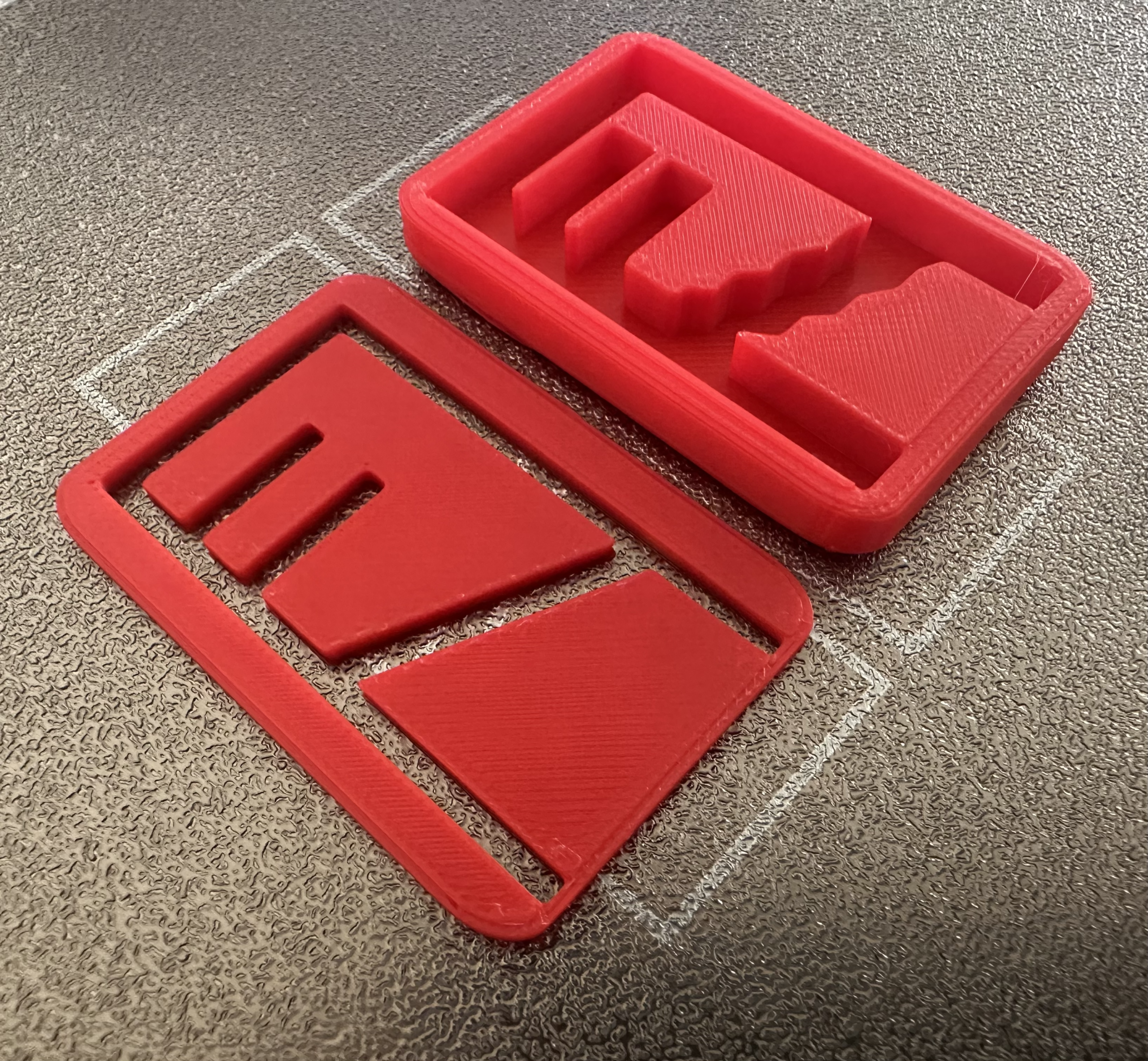
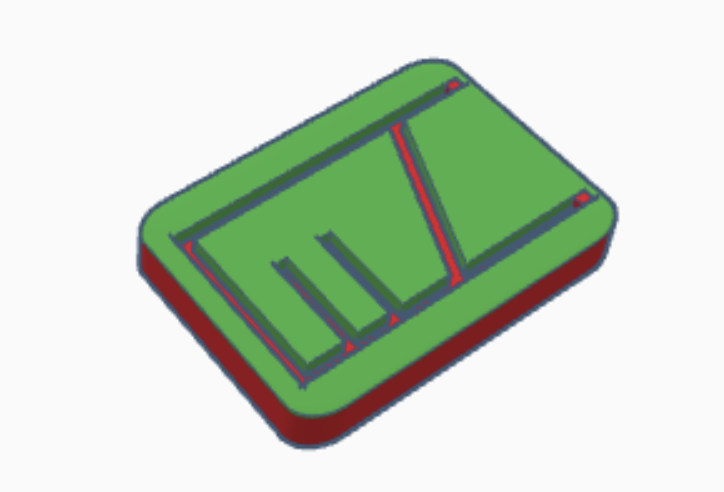
Period 4: Dig into the Pocket Marble Maze
Period 5: Marble Tracks update:
I think I have printed all submitted marble tracks except for these that need some fine-turning.
When you clean off your marble tracks, throw all the plastic trees away. Do not leave the plastic trees for me to clean up.
Quinn – revise spinner and support posts – let’s look at a square base for the funnel support posts.
Connor – the marble sphere is still in your print, high above the funnel.
Dillon – marble sphere still in print.
Today is all about your Marble Tracks