Your goal is to write a Scratch Choose Your Own Adventure Game.
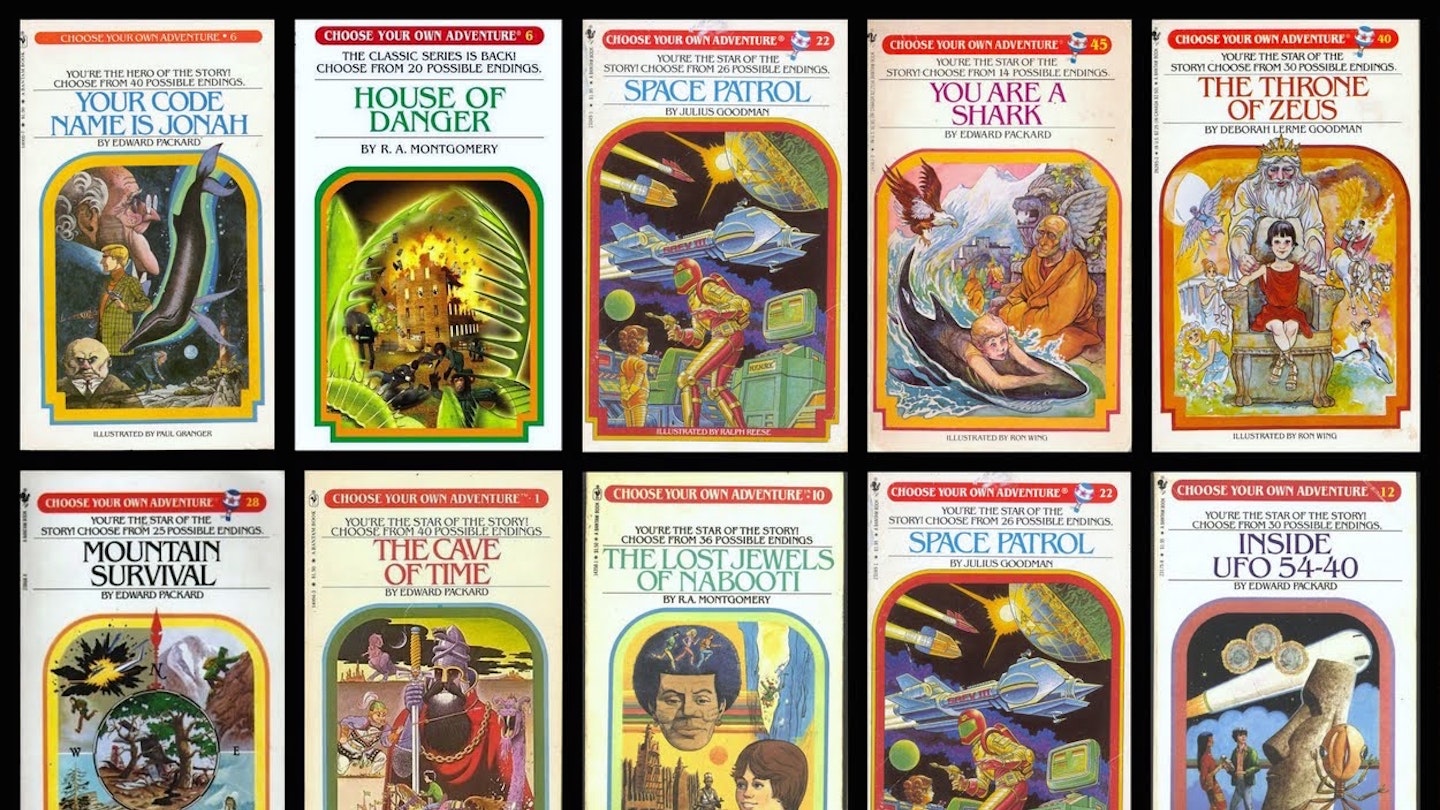
You remember these games, right? Or maybe you read a Choose Your Own Adventure book? The game that you create will be driven by the player’s choices AND what they put in their inventory.
“You find yourself standing in an open meadow. There is a cabin in the meadow and a trail that leads into the forest. Press 1 to explore the cabin or press 2 to walk down the trail.”
Project workflow:
1. review assignment.
2. decide to work solo or with a partner.
3. everyone complete: fill out the Adventure Game Proposal.
4. complete an outline of your game (see below).
5. program and test!
Take some time to play the first text based adventure game: Colossal Cave Adventure
Then try my version of the assignment for a solo programmer.
AI USAGE:
You may use AI for story ideas and to write the story for the game. Give credit to the AI that you used to write on the story on the start screen.
You may use AI to create game images for sprites and backgrounds.
You MAY NOT USE AI to write your program. Use of AI to write your program for this assignment will result in a zero and notification of family and school.
Your game should have the following features (click to zoom in):

Part 1: complete your plan and your story and pathways BEFORE PROGRAMMING:
Before you write even one line of code you need to choose the focus on the story of your adventure game. What will it be about? Are you thinking of a classic adventure game? Or maybe a day in the life of an Archie student? A Hallmark movie adventure game?
What are the choices that your player will make?
EXAMPLES:
Dungeon Adventure
Choice 1: Explore the dark corridor, climb the broken stairs, or inspect the strange noise.
Choice 2: Face the guarding monster, solve a riddle to proceed, or use an inventory item to bypass.
Space Mission
Choice 1: Attempt to repair the ship, send a distress signal, or explore the nearby planet.
Choice 2: Gather supplies, build a shelter, or scout for help—each with potential rewards or risks.
Complexity of Decisions:
- Choices should not have an obvious “correct” answer. Instead, design options where:
- Players must weigh risks and rewards.
- Outcomes might depend on the player’s current stats, inventory, or earlier decisions.
How do you turn this outline in on Canvas? Choose one of these:
a. type it up in a Google Doc and turn it in. Click here for an example.
b. clearly DRAW the different pathways on a piece of paper and take a photo to turn in on Canvas.
c. make a digital flowchart using canva.com https://www.canva.com/design/play?type=TACQ-lCLuV8&category=tADWs8NJIhs&schema=web-2&uid=1787f506-24ed-4735-a42a-7e910730d48a&_branch_match_id=837554035142078845
Part 2: Programming your Adventure Game
Do not use AI to write your code. This will result in a zero on the final.
Do not remix someone else’s game/copy paste their code and present it as your own. This will result in a zero on the final.
Inventory samples:
Click here for an inventory where you pick a sword or potion
Click here for an inventory where you can choose YES or NO to pick potion
Make sure to include:
-a start screen with instructions
-GAME OVER and YOU WIN ending screens.